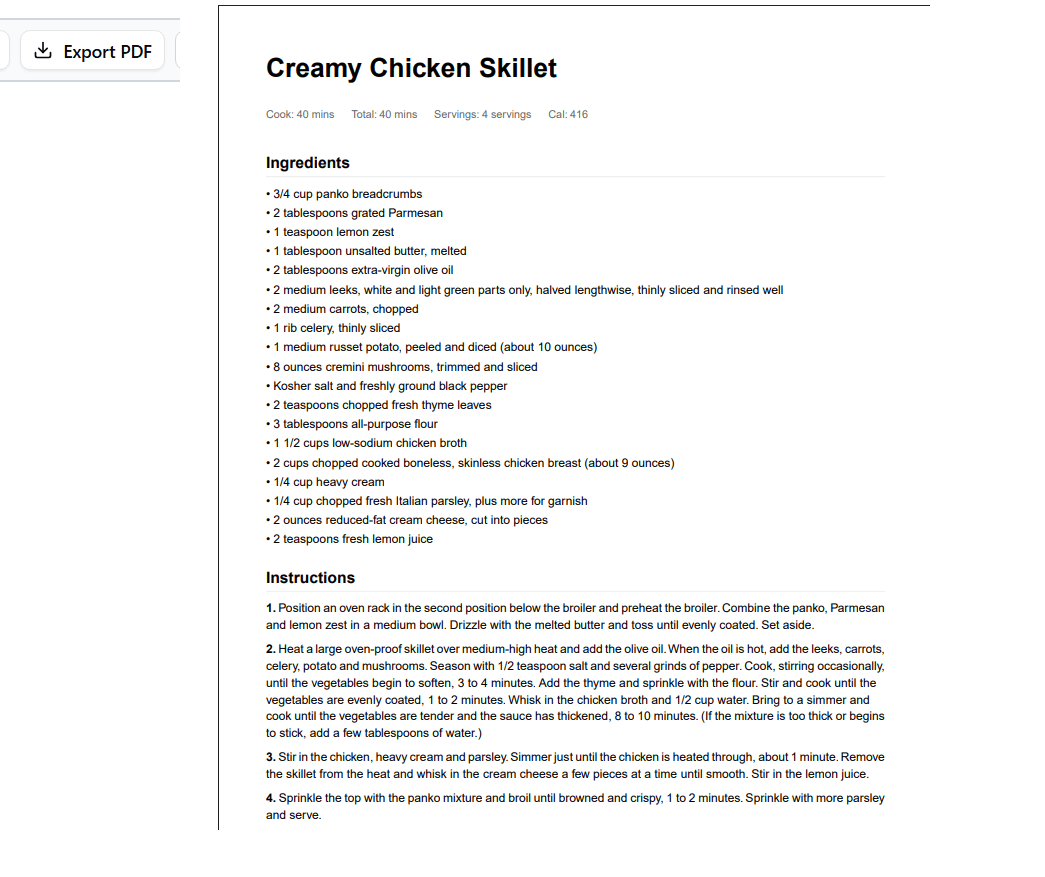
See it in action
A quick walkthrough of what Recipe-Clipper does — from extraction to the kitchen.
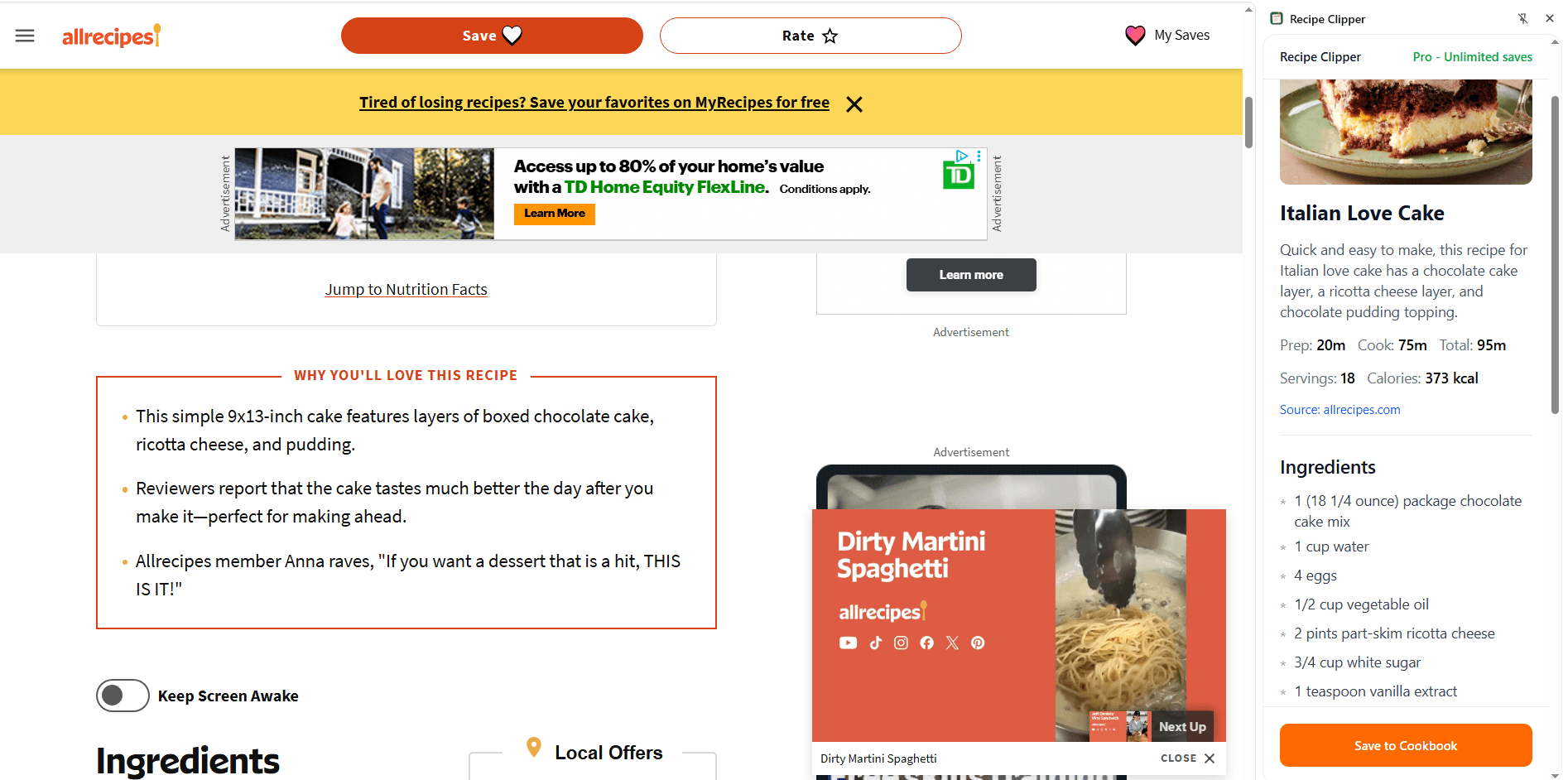
One-Click Extraction
Visit any recipe page and click the extension icon. The side panel opens and your recipe appears — ingredients, steps, times, and photo — stripped of ads and life stories.
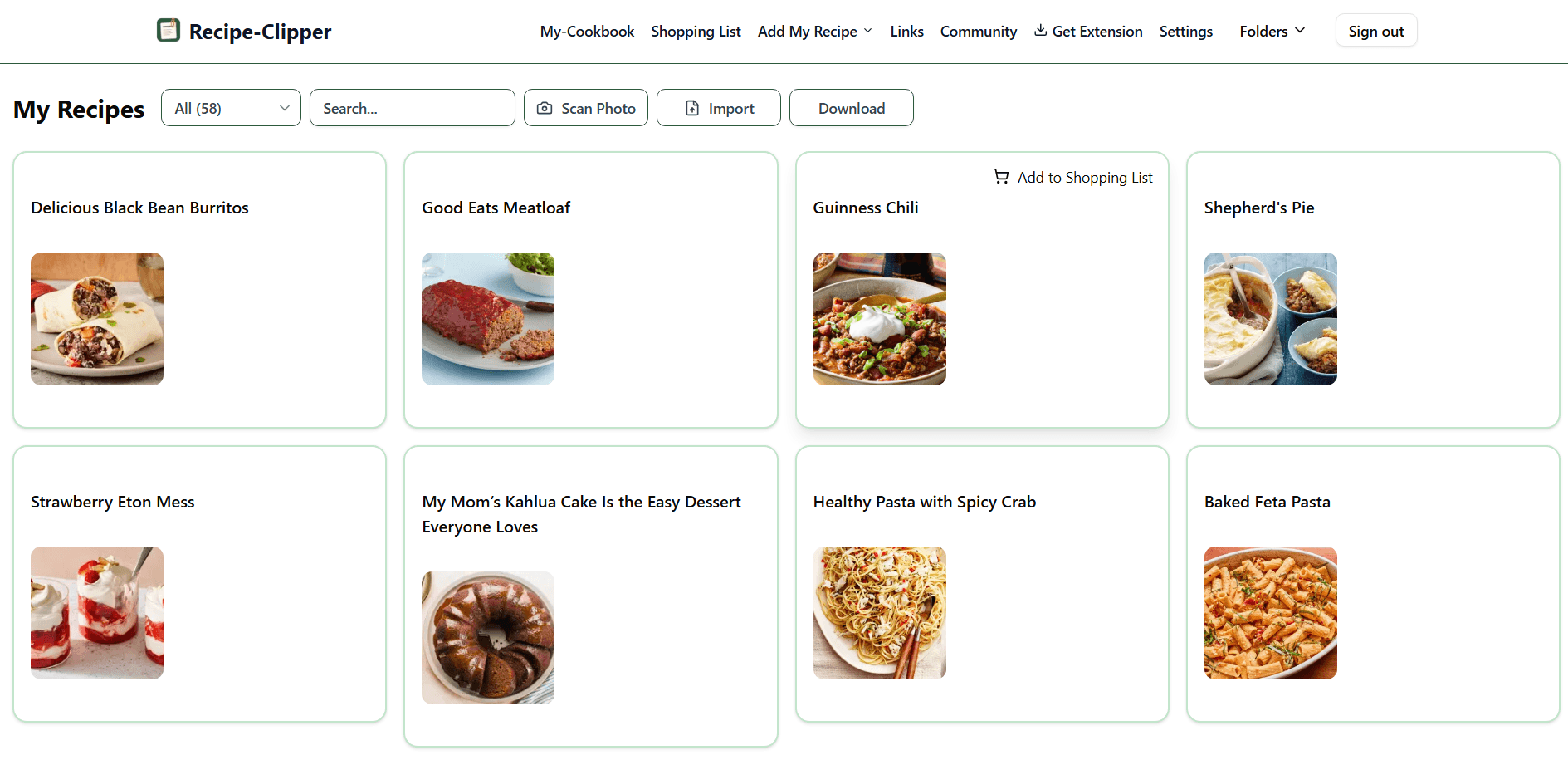
Your Cloud Cookbook
Every saved recipe lands in your personal cookbook. Organize with folders, search by name or ingredient, and access from any device. Your collection grows with you.
Cook Mode
Tap a recipe and start cooking. Check off ingredients as you prep, track your current step, and run multiple timers simultaneously. Your screen stays awake so you never lose your place.
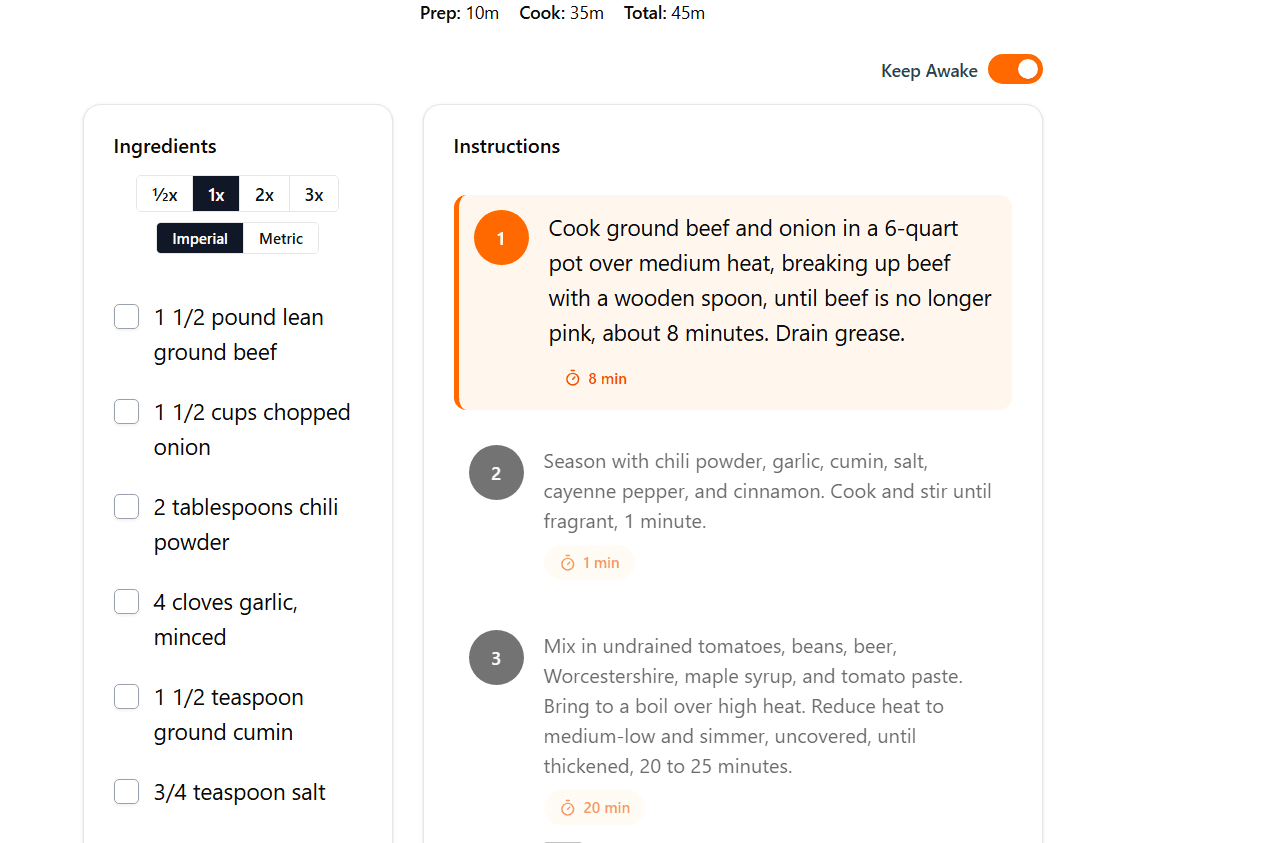
Photo Import
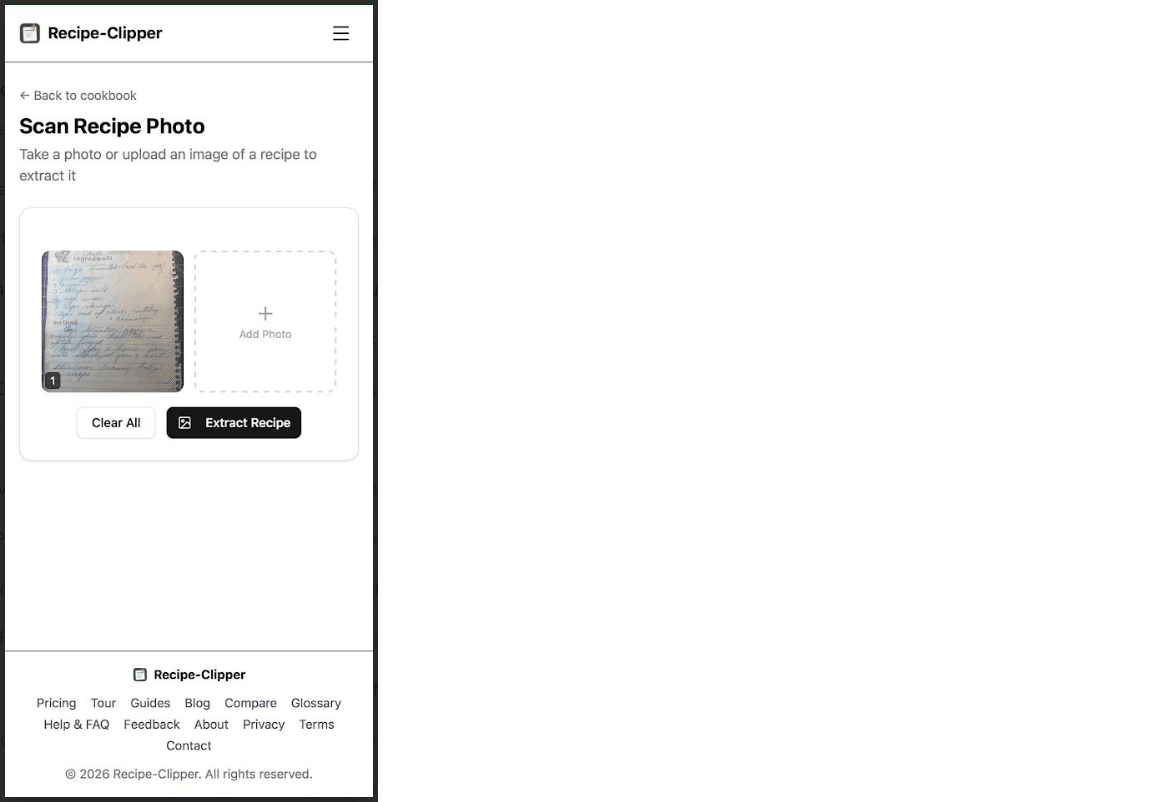
Snap up to 4 photos of a handwritten recipe card, cookbook page, or restaurant menu. AI reads the text — even cursive — and creates a clean, structured recipe in seconds.
Import from Other Apps
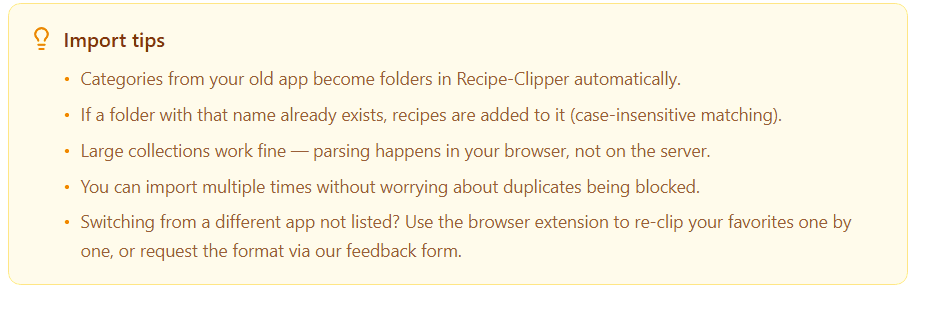
Switching from Paprika or Plan to Eat? Upload your export file and bring your entire collection over in one go. Categories become folders automatically — no re-typing required.
Smart Scaling
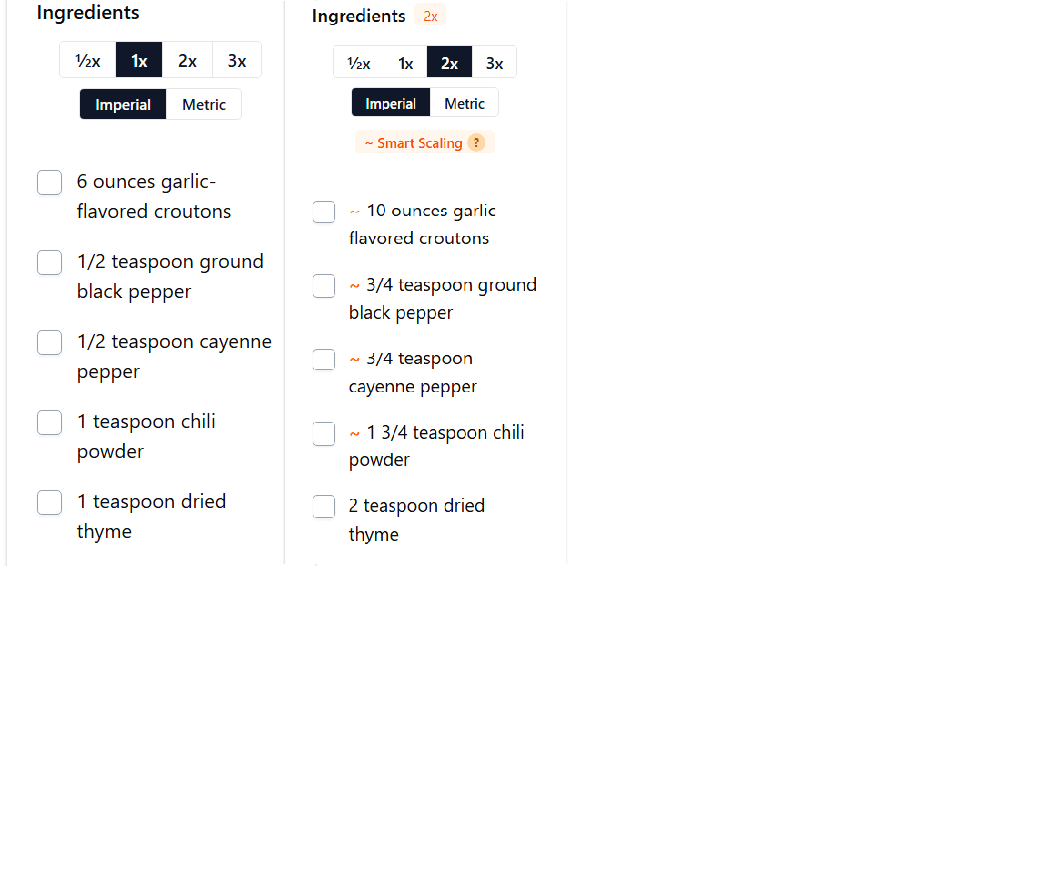
Double a recipe without doubling the salt. Smart scaling dampens spices, leavening, and strong flavors so your food actually tastes right at any serving size.
Prep It — AI Cooking Assistant
Ask Prep It anything about your recipes — substitutions, technique tips, dietary adjustments, or "what can I make with what I have?" It can add recipes, build shopping lists, and plan meals through conversation. Available as a floating chat bubble on every page.

Meal Planning
Tell Prep It what kind of meals you want this week — dietary preferences, cuisine variety, or whatever is in your fridge. It builds a varied plan with no repeated proteins or cuisines on consecutive days and generates a consolidated shopping list to go with it.

Smart Shopping List
Add recipes to your shopping list and AI consolidates duplicates, merges quantities, and sorts by grocery aisle. Edit items inline, check them off as you shop, and remove pantry staples you already have. One clean list from any number of recipes.

Connect Your AI
Use your favorite AI assistant — Claude, ChatGPT, or Perplexity — with your Recipe-Clipper collection. Our MCP server lets external AI apps search your recipes, save new ones, build shopping lists, and more. Set it up once and your recipes are wherever your AI is.

Share Recipes
Send any recipe via a public link. Friends see a clean recipe page with your name on it — no account needed. Perfect for potlucks, family group chats, or posting to social media.

PDF & Data Export
Download your entire cookbook as a beautiful PDF — with cover page, table of contents, and folder groupings. Or export everything as JSON for full data portability. Your recipes are always yours.